

The Vault
The Vault keeps your sources whole.
A conclusion matters more when you can trace it to its origin. Source material is the raw stuff of your work: the article that changed your mind, the PDF you keep returning to, the image you need to cite. The Vault is where it lives in Praxis: intact, findable, and connected to everything you build from it.
One place
One place for source material
Documents, images, saved tool results, and contacts all live in the Vault. When you save something there, you always know where to find it.
Add anything
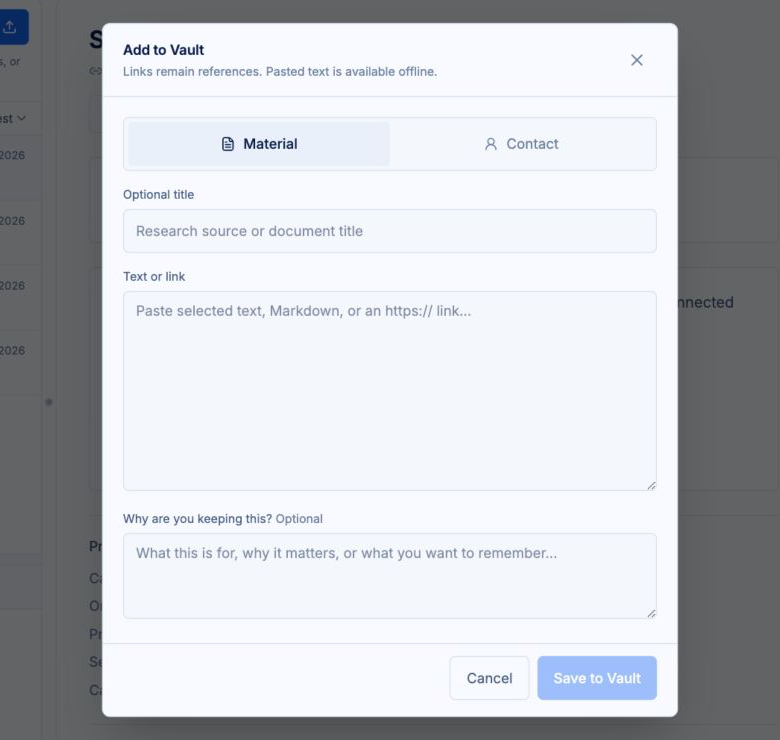
Add anything, from anywhere
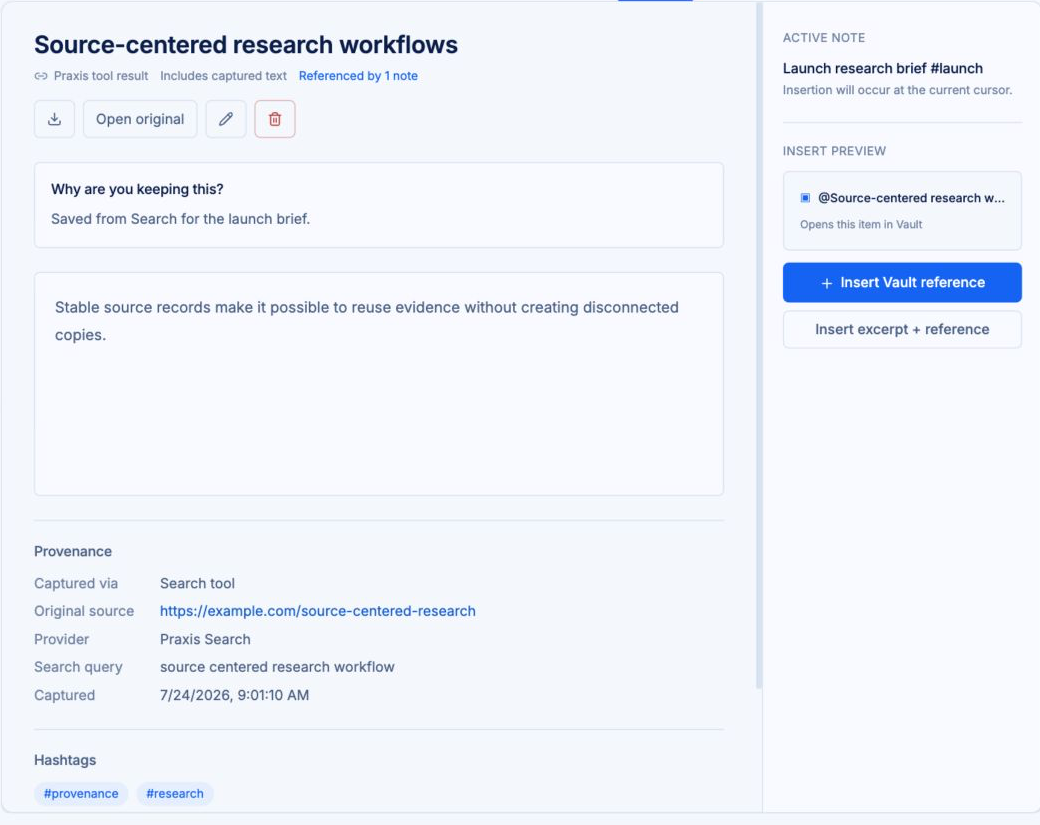
Drag files and images straight into the Vault. Save tool results with a click. Capture what you find while it is still in front of you, and decide what it is for later.
References, not copies
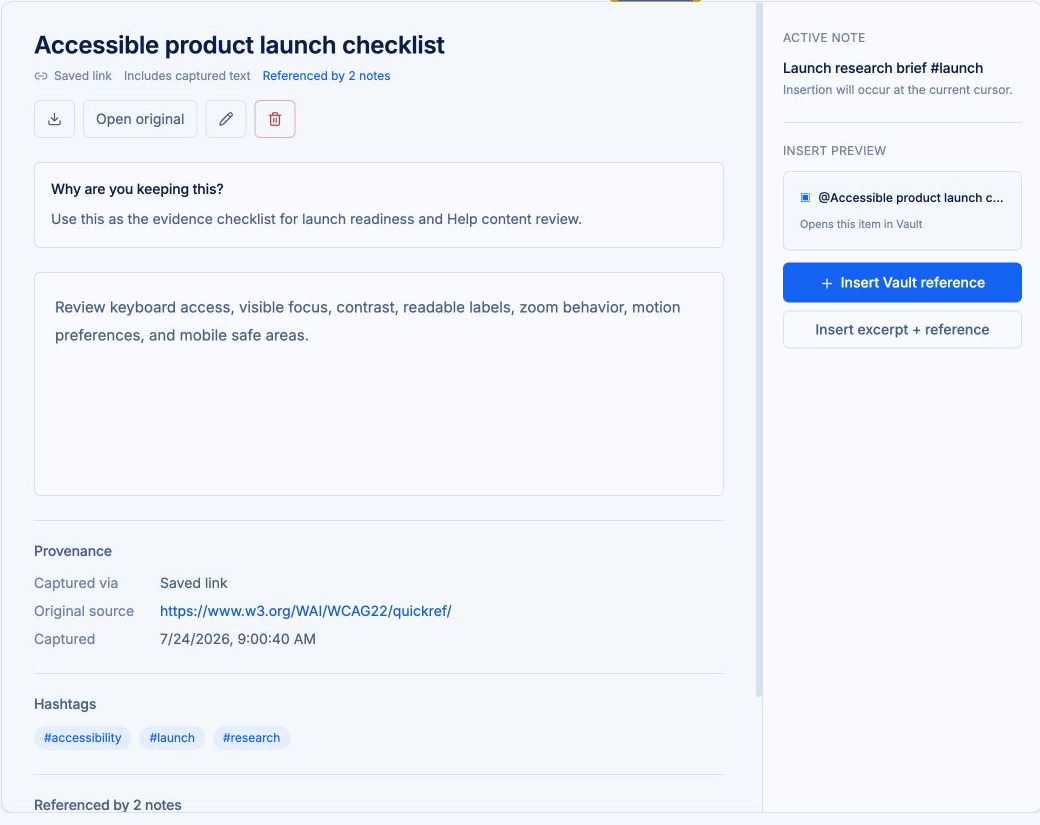
Mention a Vault item in any note and the note points at the original. Quote the same source in ten notes and there is still one source.
Edit and organize
Edit Vault items in place and organize them with the same tags you use in notes. Rename, annotate, and keep everything findable.
See what references it
Every Vault item shows the notes that reference it. Before you delete or change something, you can see exactly where it is used, and Praxis warns you before you remove something other notes rely on.
Contacts are records, too
People are sources. Store contacts in the Vault and reference them in notes the same way you reference a document.
Excerpts
Excerpts that remember
Pull a passage from a Vault item and the excerpt carries its source with it. Later, you can trace any excerpt back to the original in one step.
Encryption
Encrypted before it leaves your browser
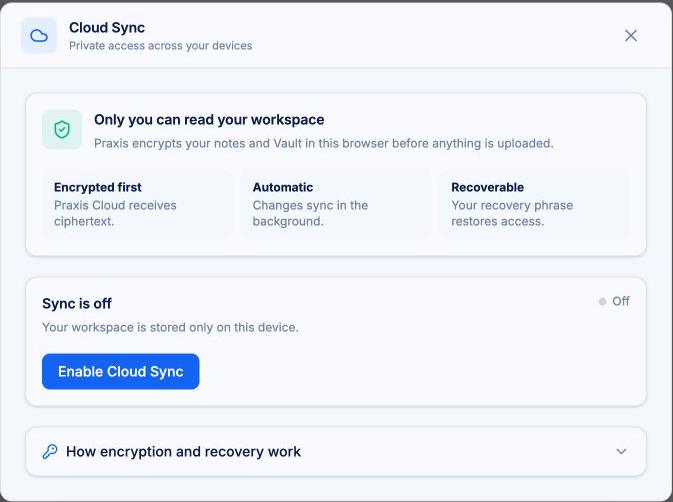
Vault content is encrypted in your browser before it syncs. Praxis Cloud stores the encrypted result, not the plain text.
Encryption protects your content in defined parts of the system. Read the privacy and security guide for the full picture of what is covered and what is not.
Bring your sources. Keep your train of thought.
Praxis runs on desktop and mobile web.
Free to start. Your workspace stays on your device until you turn on sync.
Not by demanding more of your attention.
Not by taking ownership of your work.
Not by thinking for you.
By giving your thinking room to work.
THINK IN PRAXIS.